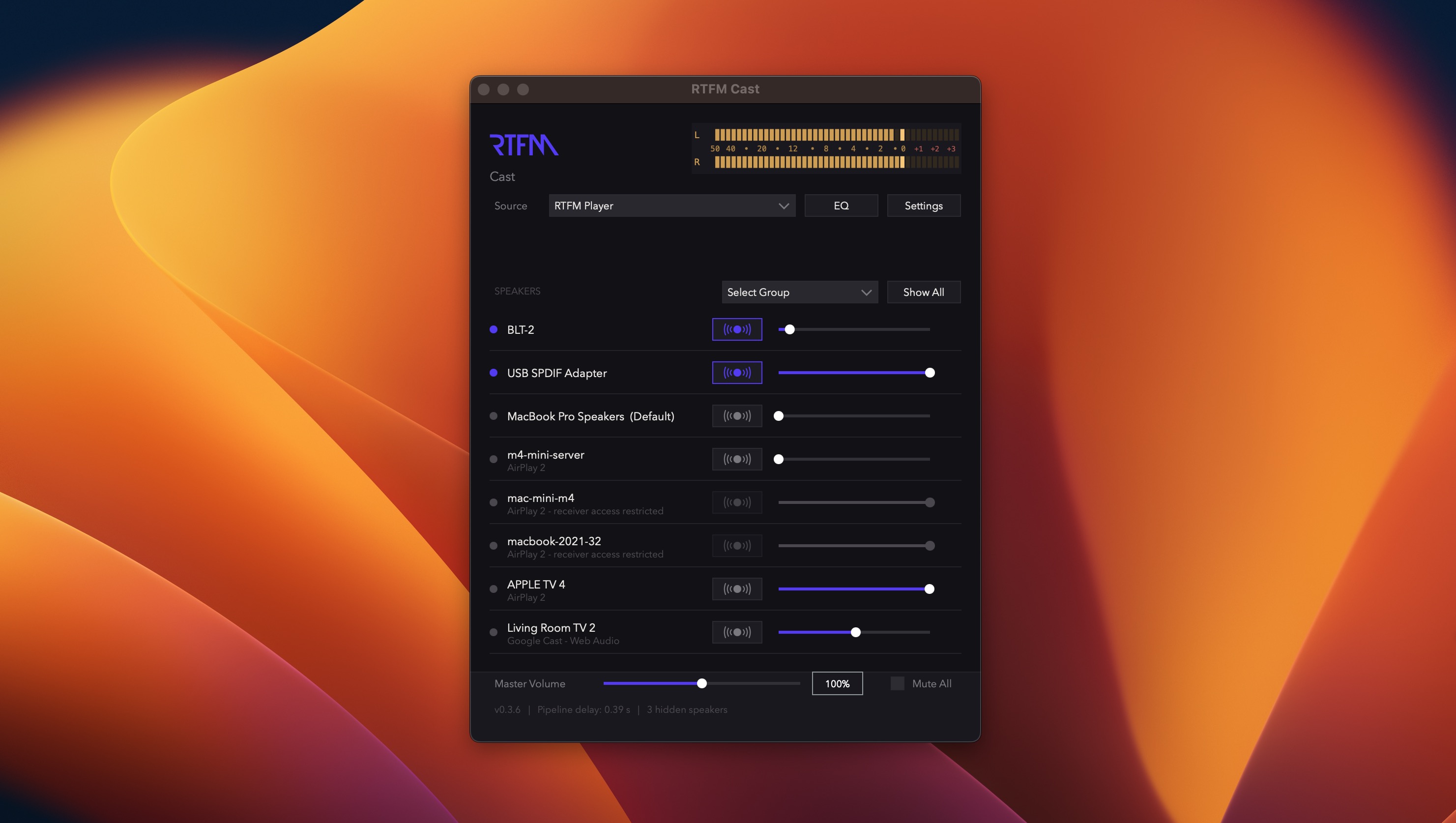
A closer look
Your wireless devices in one place
See available speakers and streaming devices at a glance, then choose where your Mac audio should play.
STREAM AUDIO TO WIRELESS DEVICES AROUND THE HOME
Use RTFM Cast to stream any macOS audio source to Airplay, Bluetooth, and Chromecast devices on your network. You can stream to other computers, Bluetooth speakers, Sonos devices, Apple TV, Google TV, HomePod, and other compatible devices. Create speaker groups as presets and use the Equalizer to shape the sound. Stream any audio from your Mac to multiple rooms around the house.
Screenshots
RTFM Cast has been designed with a simple main window that displays your available wireless audio devices. Access Settings and the Equalizer from the main window or the menu bar.
A closer look
See available speakers and streaming devices at a glance, then choose where your Mac audio should play.
FAQ
RTFM Cast is a great solution for anyone wanting to stream music, podcasts, or internet radio from a single source in macOS to multiple rooms in the home. Users with Sonos devices, Bluetooth speakers, Airplay, or Chromecast receivers can broadcast to all of their devices simultaneously. Send music to the kitchen, bedroom, bathroom, living room, garage and patio.
RTFM Cast runs on Apple Silicon processors only and macOS 13 Ventura or later. It is built specifically as a native macOS wireless audio streaming application for modern Mac desktops and laptops.
Yes. Download, install, and use the software without restrictions for 30 days before deciding to purchase. After the trial, a paid RTFM Cast license is $29.95 and covers one user on up to 5 computers.
RTFM Cast comes with a free, 30-day trial giving you ample time to test its features on your system to see if it's right for you. After the software license is purchased refunds cannot be offered. If you have questions please contact us using the support contact form.
Please use the contact form on the Support page if you need support or have questions or comments.
RTFM Cast is built for users who like to stream music from their computer to multiple rooms, the garage, or even the patio.